Sales staff
Vehicles, enquiries and the next follow-up in a connected workspace. Your role determines which information is available.
Autoledd for dealerships
Car dealership software that brings the vehicle, the customer and the work together. From acquisition and preparation to the sale and the next follow-up.
Book a demo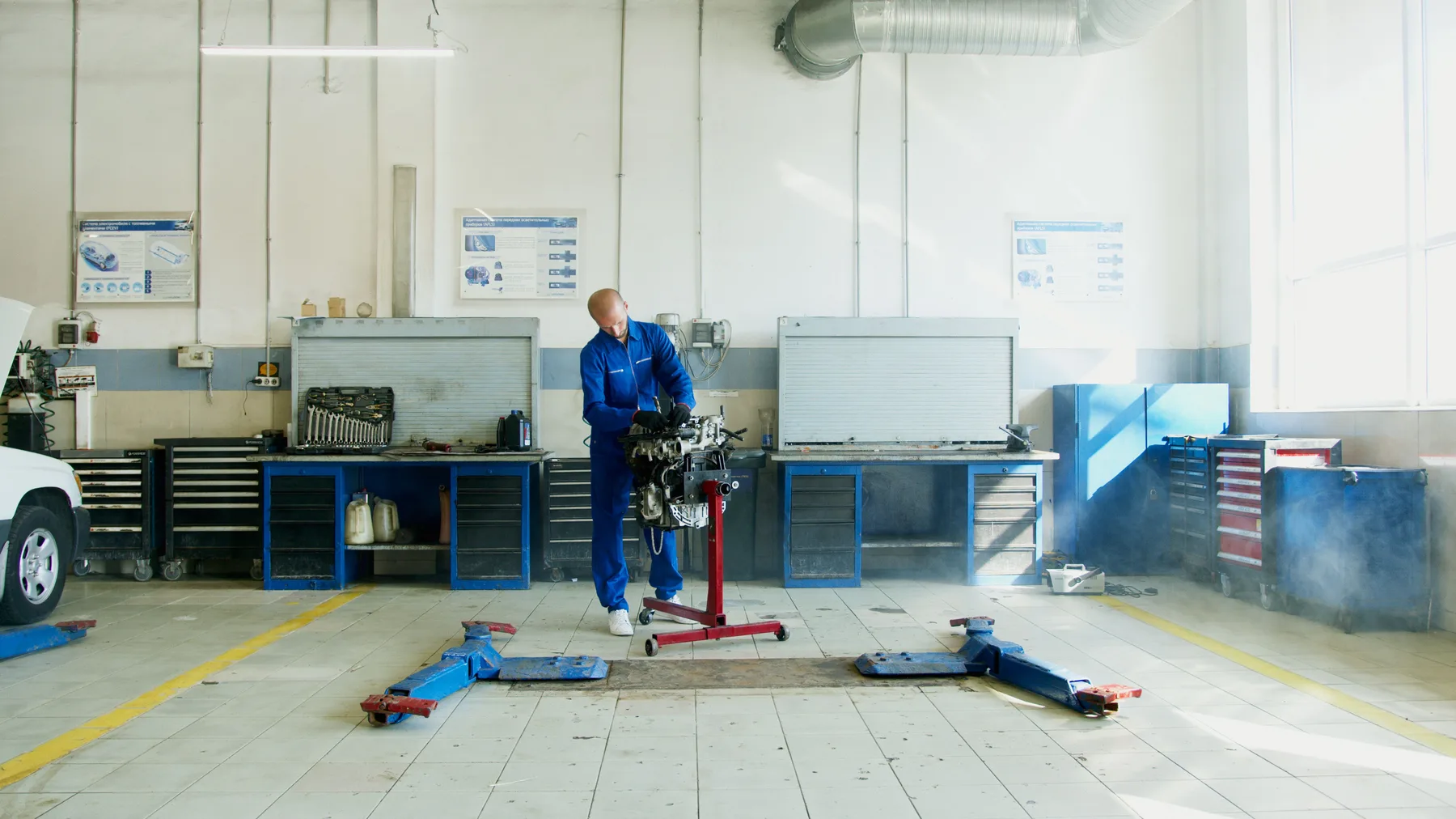
The workflow
Start with the vehicle. Details, preparation jobs, documents and customer enquiries can be followed from the same workspace, with access based on role.
Register the vehicle and collect specifications, photos and documents. Record purchase evidence and costs with supporting documents so the information can be found again.
Create an internal work order for the stock vehicle. Assign operations to mechanics and workshop bays. Time, parts and documentation follow the job.
Work on vehicle content and customer enquiries. See who follows up the customer and what needs to happen next, keeping the link to the vehicle.
Create contract drafts and keep documents with the vehicle. Digital signing and advert publication are agreed and activated with the relevant providers.
Open previous work orders, report versions and vehicle documents when a question comes back. Completed work and financial follow-up have separate steps.
During the working day
Vehicles, enquiries and the next follow-up in a connected workspace. Your role determines which information is available.
The preparation job contains operations, time, parts and documentation. Mechanics can use “My day” on their phone.
An overview of vehicles and follow-up, with access to financial evidence when the role permits it. A separate instance and database for the business.
Together with Webagent
Each customer gets a separate instance and database. We review roles, data and working practices before you start using the system. You choose the parts of Autoledd your business needs.
FINN Dealer Hub, Fiken and BankID require provider access and setup for each business. We agree the scope and verify the agreed workflow before activation.
Questions about getting started and the systemUse the same workflow for internal preparation and customer jobs. See how planning, execution and documentation connect.
Explore Autoledd for workshopsBring a specific vehicle or job to the walkthrough. We show how the work connects and agree modules, access and setup for your business.